/usr/bin/ruby -e "$(curl -fsSL https://raw.githubusercontent.com/Homebrew/install/master/install)"Install iTerm2

Why we must replace default macOS Terminal to iTerm2 ?
There are 2 ways to install iTerm2:
- Download from https://www.iterm2.com/downloads.html and drag & drop to Application.
- Use Homebrew
brew cask install iterm2Install zsh
ZSH, also called the Z shell, is an extended version of the Bourne Shell (sh), with plenty of new features, and support for plugins and themes. Since it’s based on the same shell as Bash, ZSH has many of the same features, and switching over is a breeze.
brew install zshInstall `oh-my-zsh`
Oh-My-Zsh is an open source, community-driven framework for managing your ZSH configuration. It comes bundled with a ton of helpful functions, helpers, plugins, themes and a few things that make you shout... “Oh My ZSH!”Install with terminal
sh -c "$(curl -fsSL https://raw.githubusercontent.com/robbyrussell/oh-my-zsh/master/tools/install.sh)"Config material design colours
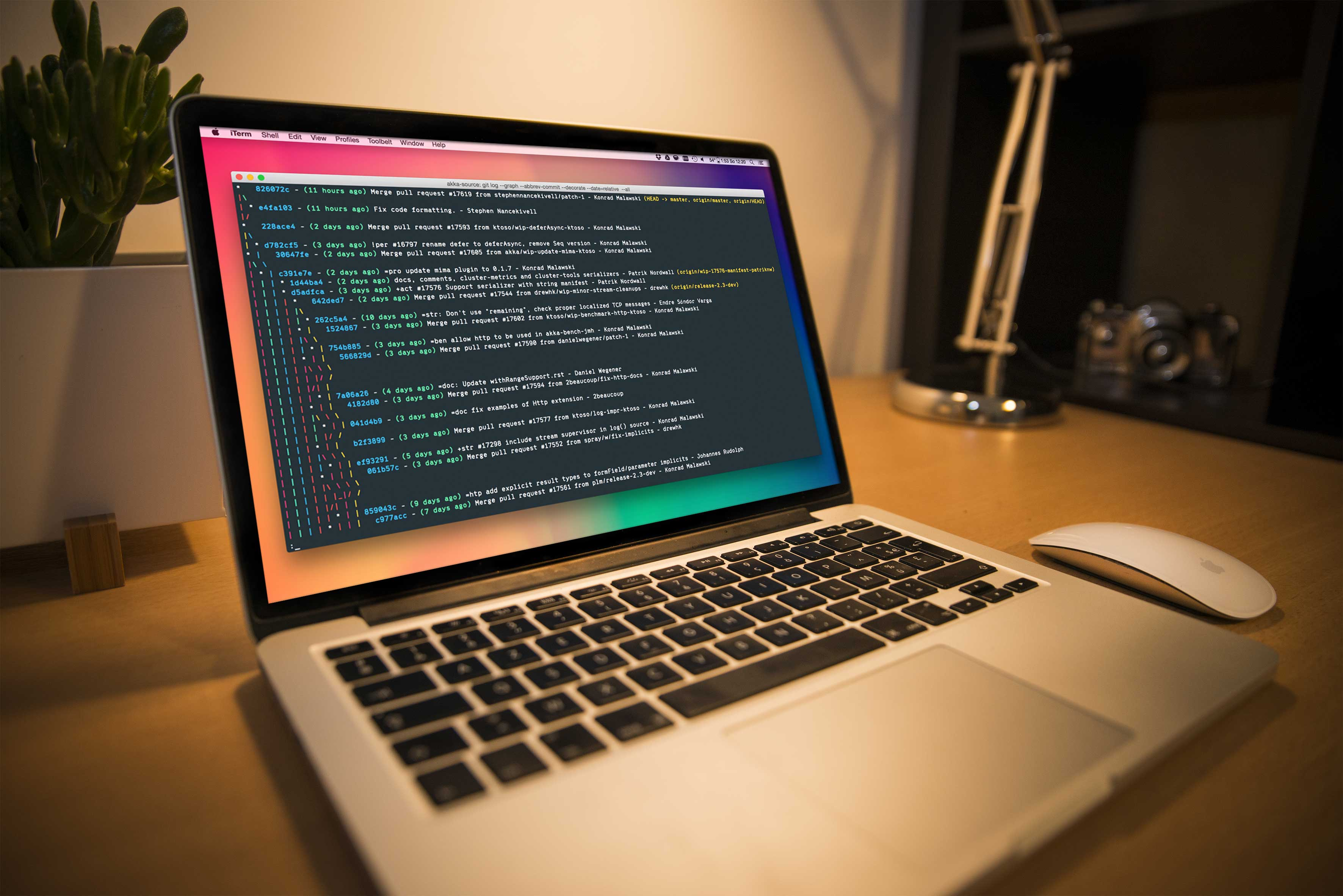
cd Downloads- Go to iTerm2 > Preferences > Profiles > Colors Tab
curl -O https://raw.githubusercontent.com/MartinSeeler/iterm2-material-design/master/material-design-colors.itermcolors
- Click Color Presets… at the bottom right
- Click Import…
- Select the material-design-colors.itermcolors file
- Select the material-design-colors from Load Presets…

iTerm2 with Dracular theme ref: https://draculatheme.com/assets/img/screenshots/iterm.png


Không có nhận xét nào:
Đăng nhận xét